- Cloudbites
- Posts
- How to ACTUALLY Become A Solutions Architect in 2026
How to ACTUALLY Become A Solutions Architect in 2026
PLUS: What exactly is OpenClaw? 👾

Lucy Wang
April 04, 2026
In Today’s Cloudbites:
🛠️ How to ACTUALLY Become A Solutions Architect in 2026?
🧭 The 3-Month Roadmap (Month 1 to Month 3)
☁️ Online AI & Cloud Events to Look Forward to
PLUS: What exactly is OpenClaw? 👾
Read time: 5 minutes
Hi friends, welcome back to Cloudbites
In this newsletter, I’m breaking down a simple 3-month roadmap to help you become a Solutions Architect in 2026.
You’ll learn what to focus on in Month 1, Month 2, and Month 3, in the right order.
Plus, we’ll look at an AI assistant that can actually take actions across your apps.
CLOUD COMPUTING ☁️
🛠️ How to ACTUALLY Become A Solutions Architect in 2026?
Want to become a Solutions Architect but don’t know where to start?
Here is the thing: Learning cloud and getting hired are very different.
Cloud Computing is a very broad field in tech. To land a Cloud Job, you don't need to know everything.
You just need to know enough to show you know what you're doing.
You’ll have to focus on 3 key areas:
your resume
your portfolio
and your ability to answer interview questions
If you can master all 3, it will get you past every round of the application process.
🎥 Watch the full breakdown:
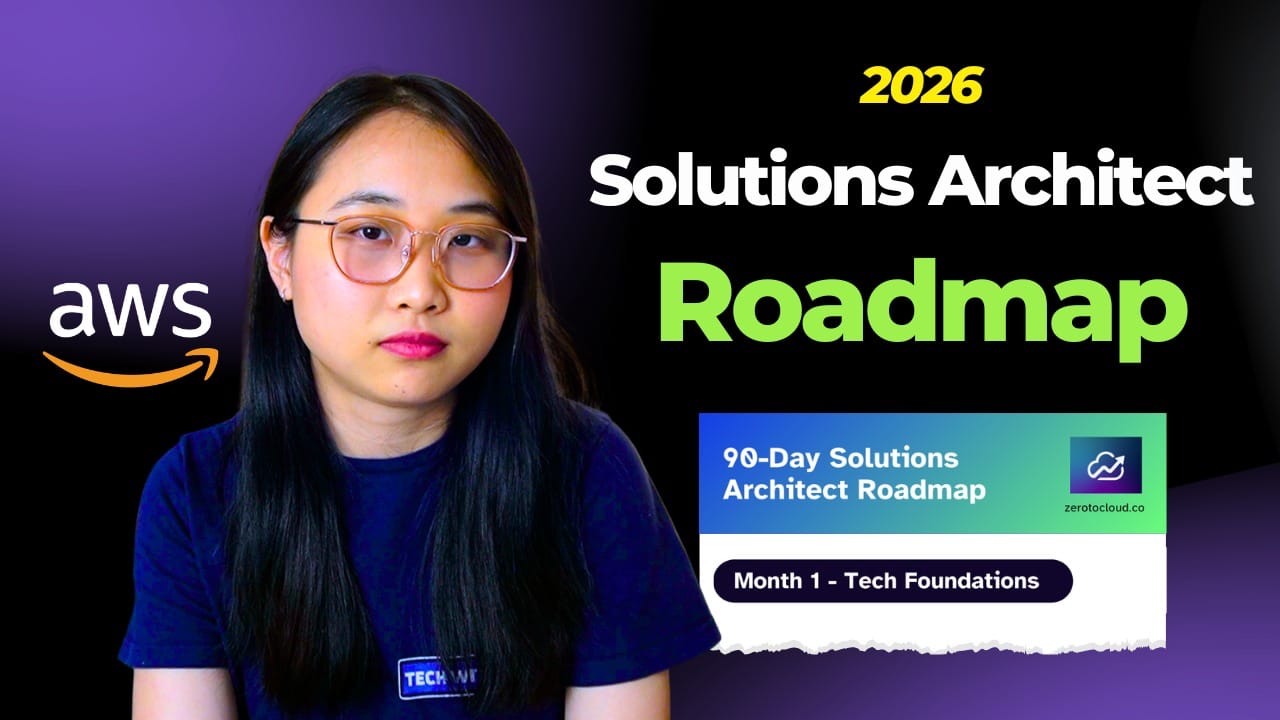
🎥 Check out my video How to ACTUALLY Become A Solutions Architect in 2026, where I’ll be walking you through how exactly to get hired as a Solutions Architect.
🧭 The 3-Month Roadmap (Month 1 to Month 3)
We’ll follow a 3-month roadmap. Here’s what each month will look like:
Month 1: Cloud Foundations
Build your foundations across cloud fundamentals and core technologies.
Start by exploring AWS services and learning core areas like compute, networking, storage, and databases.
Study the Well-Architected Framework to understand how systems are designed.
Focus on architecture concepts like high availability, scalability, fault tolerance, disaster recovery, security, and cost optimization.
Month 2: Architecture Projects
Start building, design 3-5 real-world architecture projects that showcase your thinking. Once you've built your projects, document them.
Choose a place to document your work.
Lay out your architecture and decisions clearly.
And store your projects by setting up a Cloud Portfolio.
Month 3: Job & Interview Prep
Get job-ready, this comes in two main steps: job preparation and actually applying to jobs.
Rewrite your resume to align with the Solutions Architect roles. Apply consistently across LinkedIn, Indeed, and the company's career pages.
Reach out to hiring managers and recruiters directly.
💡 My advice:
Learn in public, share your progress on LinkedIn, document your projects, and engage with the cloud community.
Don't get discouraged if it takes longer than 90 days. What matters is that you stay consistent, keep building, and keep applying.
☁️ Online AI & Cloud Events to Look Forward to
#1 Building event-driven architectures on AWS (March 31, 2026)
In this hands-on workshop, you'll master event-driven architecture patterns using Amazon EventBridge, Amazon SNS, Amazon SQS, and AWS Lambda.
Click here to register.
#2 Serverless Development with Kiro (April 7, 2026)
This virtual event offers a comprehensive introduction to agentic coding and serverless computing on Amazon Web Services (AWS).
Click here to register.
#3 Scale Up: Claude Code on AWS - Virtual (April 9, 2026)
Join for an invite-only workshop where you'll build real-world applications with Claude Code on AWS.
Click here to register.
ARTIFICIAL INTELLIGENCE (AI) 🤖
PLUS: What exactly is OpenClaw? 👾
OpenClaw is an open-source personal AI assistant that can take real actions across your apps, files, and tools, not just respond to prompts.
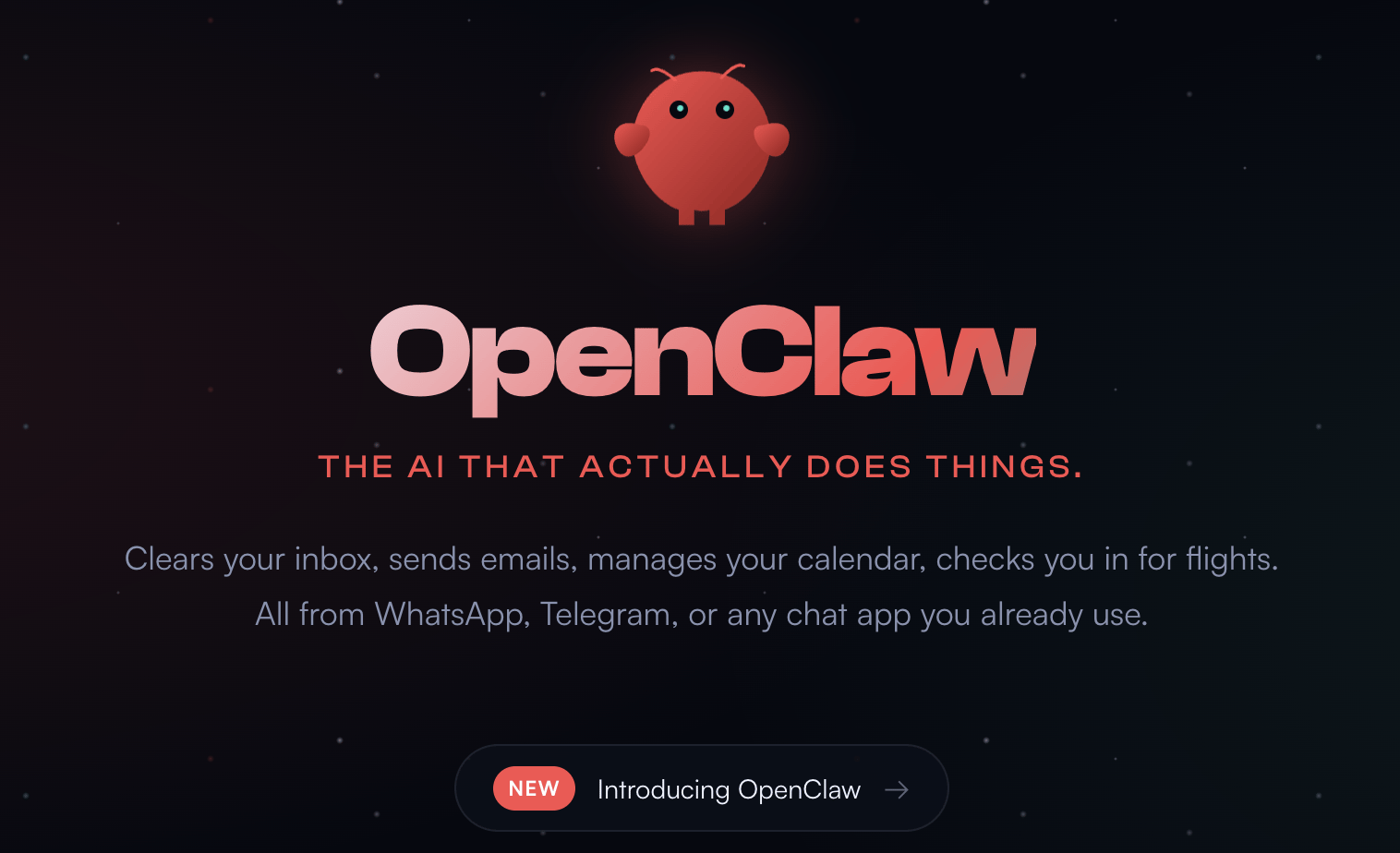
💡 Here’s what you should know:
Runs Locally: It runs on your own machine, meaning your data stays with you instead of a hosted platform.
Works Everywhere: You can interact with it from WhatsApp, Telegram, Discord, or Slack, like you’re messaging a person.
Actually Takes Actions: It can send emails, manage files, browse the web, run scripts, and automate workflows.
Memory & Skills: It remembers context over time and can extend itself with plugins or even create new capabilities.
THAT’S A WRAP
Thanks for reading! 😊
P.S. How was today's email? Reply directly with your feedback, or DM me on Twitter @techwithlucy